
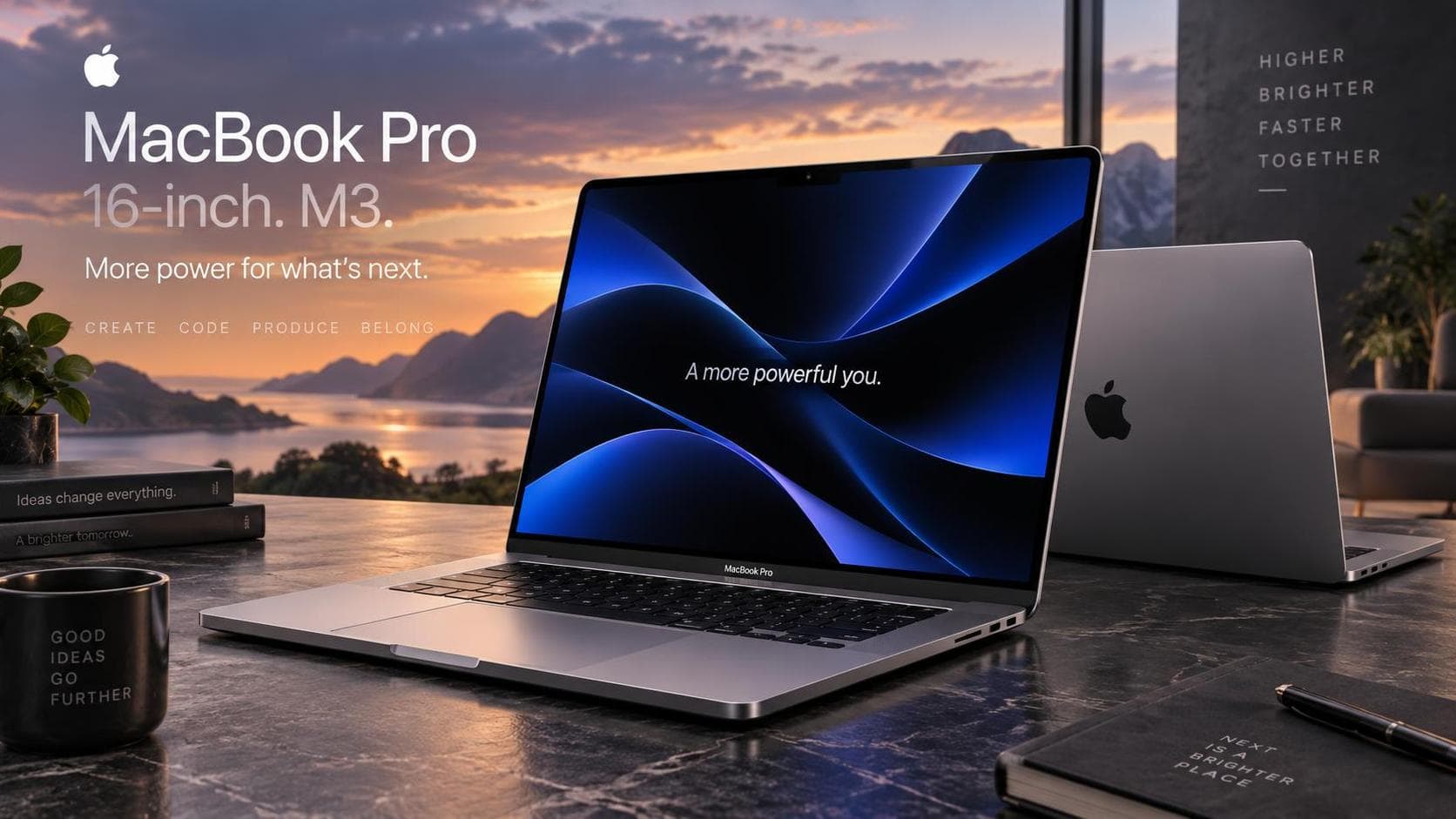
The MacBook Pro 16-inch with the M3 Max chip demonstrates Apple’s persistent pursuit of advancement and excellence. With this iteration, Apple continues to blur the boundary between a powerful workstation and a sleek, portable device. Compared with leading Windows laptops such as the Dell XPS 17 or the Razer Blade 16, the MacBook Pro stands out for its tight integration of custom silicon and macOS, often delivering better battery life and thermal management under heavy workloads. It also offers more consistent performance than previous Intel-based MacBook Pros, making it a major step forward for people seeking maximum productivity and capability.
Design and Display
The 16-inch MacBook Pro maintains Apple’s signature design, featuring an aluminum chassis that’s both sturdy and aesthetically appealing. It provides an exceptional build quality that feels premium and durable. The laptop’s weight is surprisingly manageable, rendering it a viable option for professionals on the go. The mini-LED Liquid Retina Pro display is a highlight, offering an incredible 3456x2234 resolution. Compared with the OLED displays on competitors such as the Dell XPS 17 and Razer Blade 16, Apple’s mini-LED panel delivers superior sustained brightness and impressive HDR performance, with deeper blacks and higher contrast. While OLED screens may have an edge in perfect blacks and individual pixel illumination, the MacBook Pro’s mini-LED display offers higher peak brightness. It avoids common OLED issues like burn-in, making it ideal for creative professionals who rely on precise color accuracy.
Performance and Battery Life
At the heart of this machine is the new M3 Max chip, showcasing Apple’s chip-design expertise. The M3 Max delivers a major performance leap with its sophisticated architecture, offering up to 40 GPU cores and 16 CPU cores. This configuration enables seamless multitasking, handles high-demand applications, and delivers lightning-fast processing rates. In actual benchmarks, the M3 Max delivers impressive results, including scores over 21,000 on multi-core Geekbench 6 tests and faster video export and 3D rendering than many high-end Windows laptops. Users doing video editing, 3D modeling, or software development will find this device remarkably capable of handling demanding workflows. Additionally, the battery life is notably impressive, ensuring up to 21 hours of usage, which is remarkable for a machine of its caliber, providing all-day reliability without tethering to a power outlet.
Ports and Connectivity
Apple has continued its pledge to wider connectivity with multiple Thunderbolt 4 ports, an HDMI port, an SD card slot, and the much-appreciated return of MagSafe charging. This balanced array of ports serves both power users who need multiple peripherals and those who prefer traditional connectivity options. However, the MacBook Pro no longer features legacy ports such as USB-A or Ethernet, which may require users to rely on adapters or docking stations for certain accessories and wired network connections. Additionally, while Thunderbolt 4 delivers high bandwidth and versatility, users with many high-speed devices should keep in mind shared bandwidth restrictions across the available ports.
Software and User Experience
Running macOS, the MacBook Pro takes full advantage of the software-hardware integration Apple is known for. macOS boosts productivity with its well-optimized interface and robust app ecosystem. Features like Universal Control and Focus Modes enhance the user experience, enabling seamless transitions and focused sessions whether you're working on a solo project or multitasking across multiple Apple devices.
Heat Management and Noise
Given its power, one might expect the MacBook Pro to generate considerable heat or noise. However, Apple’s advanced thermals, featuring an enhanced cooling system, handle heat efficiently and keep fan noise to a minimum, even amidst heavy workloads. This results in a quieter user experience, even when taxing the GPU with intensive graphic tasks.
Value and Conclusion
The 16-inch MacBook Pro with the M3 Max chip is a significant investment, commensurate with its high-end capabilities and premium market status. To help you quickly weigh the device’s value, here is a summary of its key strengths and drawbacks:
Key Pros:
- Outstanding performance with the M3 Max chip, excelling at high-demand tasks like video editing, 3D modeling, and software development
- Brilliant mini-LED display with high resolution, sustained brightness, and precise color precision
- Excellent battery life for its category, regularly surpassing many Windows-based competitors
- Premium build quality and refined design
- Wide selection of modern ports including Thunderbolt 4, HDMI, and SD card slot
- Quiet and efficient thermal management, even amidst heavy workloads
Notable Cons:
- High price point, making it more difficult for casual or budget users
- Lack of legacy ports such as USB-A and Ethernet, which may require adapters
- Heavier and larger size compared to ultraportables, though still manageable for a 16-inch workstation
It’s a tool created for professionals who require premium performance and are willing to pay a premium for uncompromised quality. While it may not be the best fit for casual users, it’s unmatched for those whose daily tasks demand that level of power.
In conclusion, the MacBook Pro 16-inch M3 Max stands out as an impressive laptop, combining high performance, remarkable battery life, and a brilliant display in one package. It’s a strong option for creatives, developers, and professionals pursuing a blend of power and portability, reaffirming Apple’s leadership in the premium laptop market.